Dinosaur Tools & Utilities Hub
Controls, island planning aids, and PC specs for Classic, Creative, and FPS Survival.
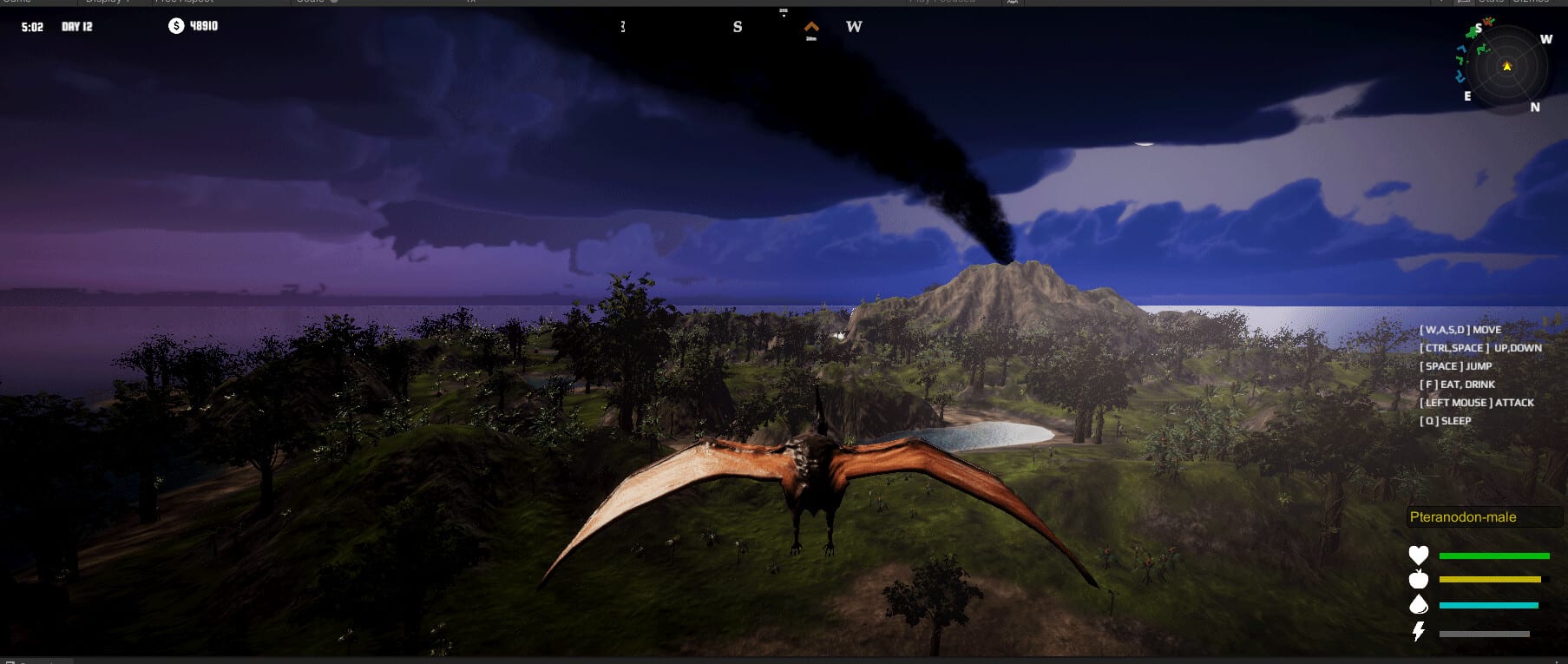
The Tools Hub collects practical references for Dinosaur by Dinosaur Master (Steam app 3294300, August 13, 2026). Use these pages when you need a quick control reminder, a pre-build island checklist, or confirmation that your PC meets Steam minimum and recommended specs before you load fifteen maps packed with forty-plus species.
Unlike roster lore pages, tools pages stay actionable. Keep this hub pinned while you sculpt in the island editor, pilot dinosaurs for path tests, or host local split-screen and Remote Play Together sessions.
Tool pages
- Controls — movement, camera, editor shortcuts, and dinosaur possession basics
- Island planner — biome zoning checklist for herbivores, carnivores, aquatics, and pterosaurs
- System requirements — Steam minimum and recommended hardware tables
When to open each tool
Before first launch. Read system requirements and Getting Started. Confirm Windows 10+, CPU, RAM, GPU, and the 6 GB install budget. The game is English-only in-game, so expect English labels in every tool tip.
During terraforming. Pair the island planner with the full island editor guide. Sketch water shelves, nesting pads, and cliff launches before you place herds. Creative mode is the safest place to validate layouts; Classic and FPS Survival expose needs failures faster.
While piloting animals. Open controls beside control dinosaurs so possession, camera, and mode-specific actions stay muscle memory. In FPS Survival, control clarity is survival—see FPS Survival and game modes.
Ecosystem-aware tooling
Tools are useless if stocking ignores symbiosis. Cross-link every planner pass with ecosystem symbiosis, the Species Hub, and the needs tier list. Herbivore pages and carnivore pages tell you what to place; the island planner tells you where dens and forage corridors should sit.
Multiplayer hosts should share the Tools Hub link before invite night. Couch co-op players need readable split UI and agreed hotkeys (local co-op); Remote Play guests need a host machine that clears recommended GPU targets (Remote Play).
What this hub is not
There are no redeem codes to paste into a tools panel—progress comes from island design and species management. For store pages, wishlists, and community destinations, use the Links Hub.
As patches land after launch, update control notes and planner checklists first; roster flavor can wait. A sharp Tools Hub keeps Classic sandboxes, Creative experiments, and FPS Survival runs equally approachable.
Frequently Asked Questions
Quick answers about Dinosaur on Steam.
Which tool should I read first?
Check system requirements, then controls, then the island planner before stocking complex multi-biome maps.
Do tools replace the full guides?
No. Tools are quick references. Deep editor, mode, and symbiosis explainers live under Guides.
Are there in-game cheat consoles listed here?
No. This hub covers controls, planning, and PC specs—not exploit commands or redeem codes.
Should co-op hosts share these pages?
Yes. Align on controls and hardware expectations before local split-screen or Remote Play Together nights.