Dinosaur Remote Play Together Guide
Invite a distant friend onto your island session without a separate matchmaking lobby.
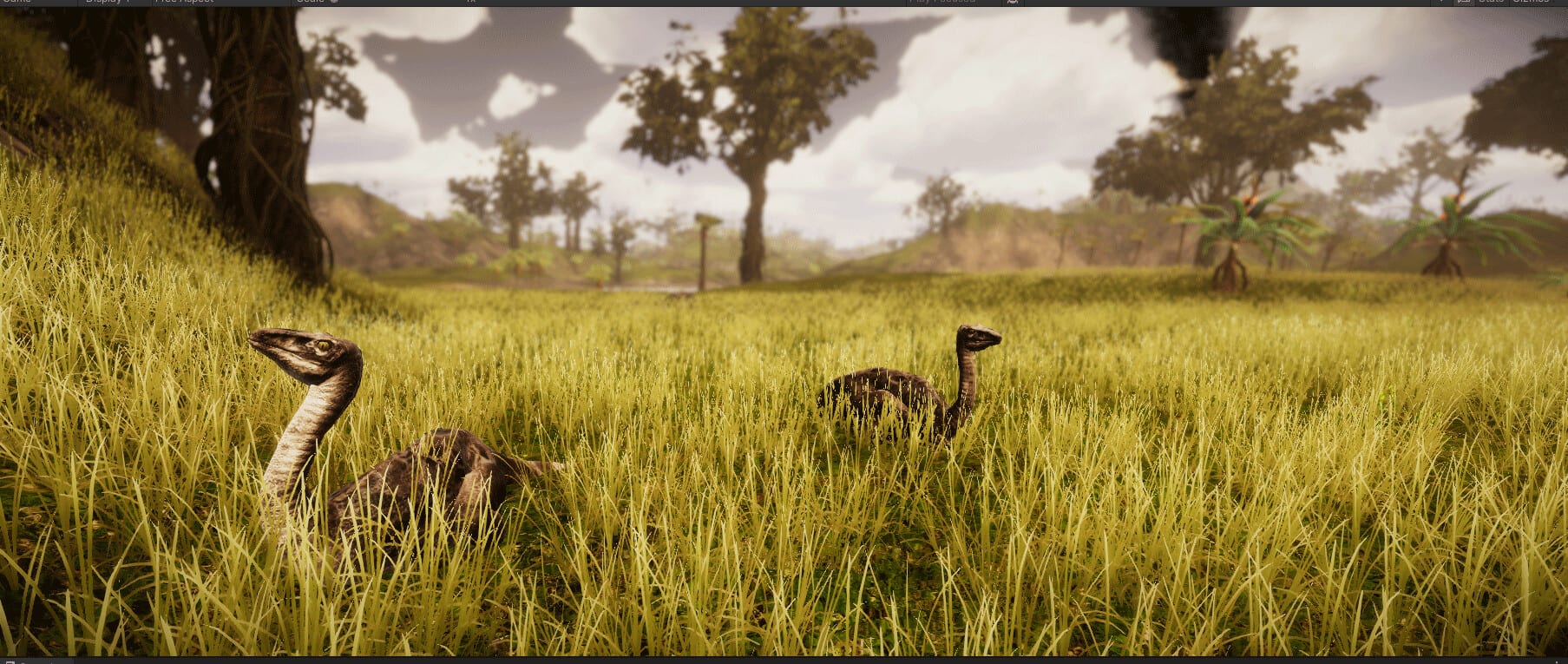
Remote Play Together lets a friend join your Dinosaur session when they cannot sit on the same couch. For Dinosaur by Dinosaur Master (Steam app 3294300, planned August 13, 2026), that means shared access to the island editor, dinosaur control, and Classic / Creative / FPS Survival play without inventing a public multiplayer lobby. This page covers host prep, guest etiquette, and ecosystem safety while streaming.
Compare with local split-screen co-op and the parent Multiplayer Hub. Remember: English-only in-game UI, no redeem codes, 40+ species (~80 sexed variants), fifteen maps, and species needs still rule the fantasy.
Host preparation
- Meet or beat recommended system requirements when possible—streaming plus simulation is heavier than solo Creative.
- Wired Ethernet beats unstable Wi-Fi for editor brush latency.
- Close overlays you do not need; keep controls notes in a second monitor doc.
- Start in Creative for the first Remote Play night unless both players already know game modes.
- Wishlist/follow Steam app 3294300 so you both see patch notes after launch—see Updates Hub.
Guest preparation
Guests should skim Getting Started, ecosystem symbiosis, and the Species Hub before invite time. Agree on English names for herbivores, carnivores, and tools. If the guest will pilot animals, send control dinosaurs ahead of the call.
Role splits that survive latency
Host edits, guest scouts. Terrain brushes feel best on the machine rendering them. Guests excel at possession tests along forage loops and cliff launches.
Host wards carnivores, guest keeps herbivores. Prevents double apex stocking—critical with hungry carnivores waiting on surplus herbivores.
Coastal nights. Guest validates aquatic and pterosaur paths while host adjusts shelves using the island editor and island planner.
Mode guidance under streaming
Creative. Best Remote Play onboarding; laggy mis-clicks rarely delete an economy.
Classic. Pause-and-talk before major stocking. Use the needs tier list.
FPS Survival. Only after both know movement and threat reads—see FPS Survival. Latency plus predators is a spicy mix.
Session etiquette
- Host announces big terraforms before committing
- Guest asks before raising predator counts
- Keep a pre-stream save
- End sessions on a stable herd state, not mid-collapse “for fun”
- Use wiki links if you need to share the Steam store mid-call
Remote Play Together is a hospitality feature: the host brings the hardware and the island, the guest brings attention and a second brain for symbiosis. Treat bandwidth and stocking caps with the same care you give water brushes.
Bandwidth and UX triage
When the guest reports soft input:
- Host switches to Ethernet and closes heavy background downloads.
- Lower stream resolution before lowering simulation quality that affects AI readability.
- Pause major brush strokes; batch terrain edits between scout runs.
- Avoid FPS Survival until Creative and Classic sessions feel responsive.
- If islands with huge herds hitch, temporarily reduce specialty populations from aquatic and pterosaurs or apex counts from carnivores.
Document what settings worked for your duo. Remote Play success is half networking, half discipline about not restocking the entire 40+ roster during a single unstable stream. After patches, re-test the same island save so you know whether hitching came from content updates or your ISP.
Frequently Asked Questions
Quick answers about Dinosaur on Steam.
Is Remote Play Together the same as dedicated online servers?
No. It streams or shares the host session. Plan around one strong host PC.
What should hosts prioritize hardware-wise?
Favor recommended CPU/GPU/RAM targets and stable networking so editor input stays usable for both players.
Which mode is best for first Remote Play nights?
Creative, then Classic once both players understand species needs and stocking order.
Can guests redeem codes on the host game?
Dinosaur has no redeem codes. Spend the session on building and piloting instead.
Should the guest install Dinosaur too?
Remote Play Together centers on the host session. Guests still benefit from reading this wiki before joining.